Account lockouts don't just frustrate users — they generate support tickets, interrupt workflows, and open temporary...
Account recovery: How to restore access to your accounts
Account lockouts don't just frustrate users — they generate support tickets, interrupt workflows, and open temporary security gaps that attackers can exploit. For IT administrators managing dozens or hundreds of accounts across Google Workspace, Microsoft 365, and Apple Business Manager, account...
An API key is a unique authentication token that identifies and authorizes an application or user when making requests...
What is an API Key? Guide to secure system design
An API key is a unique authentication token that identifies and authorizes an application or user when making requests to an API. More than a simple password, it serves as a programmatic credential that enables secure, automated communication between software systems while providing granular...
Password strength determines how resistant your password is to guessing and brute force attacks. A strong password...
What is password strength and how is it measured?
Password strength determines how resistant your password is to guessing and brute force attacks. A strong password protects your accounts from unauthorized access, while a weak password can be cracked in seconds.
Security researchers measure password strength by calculating how many attempts an...
The new release brings independent token lifecycle management, flexible SSL certificate verification, and multi-URL...
Passwork Python connector 0.2.0
The new release brings independent token lifecycle management, flexible SSL certificate verification, and multi-URL support for password items.
The latest Passwork release adds service accounts with multi-token API support, saved filters, mobile web UI, and...
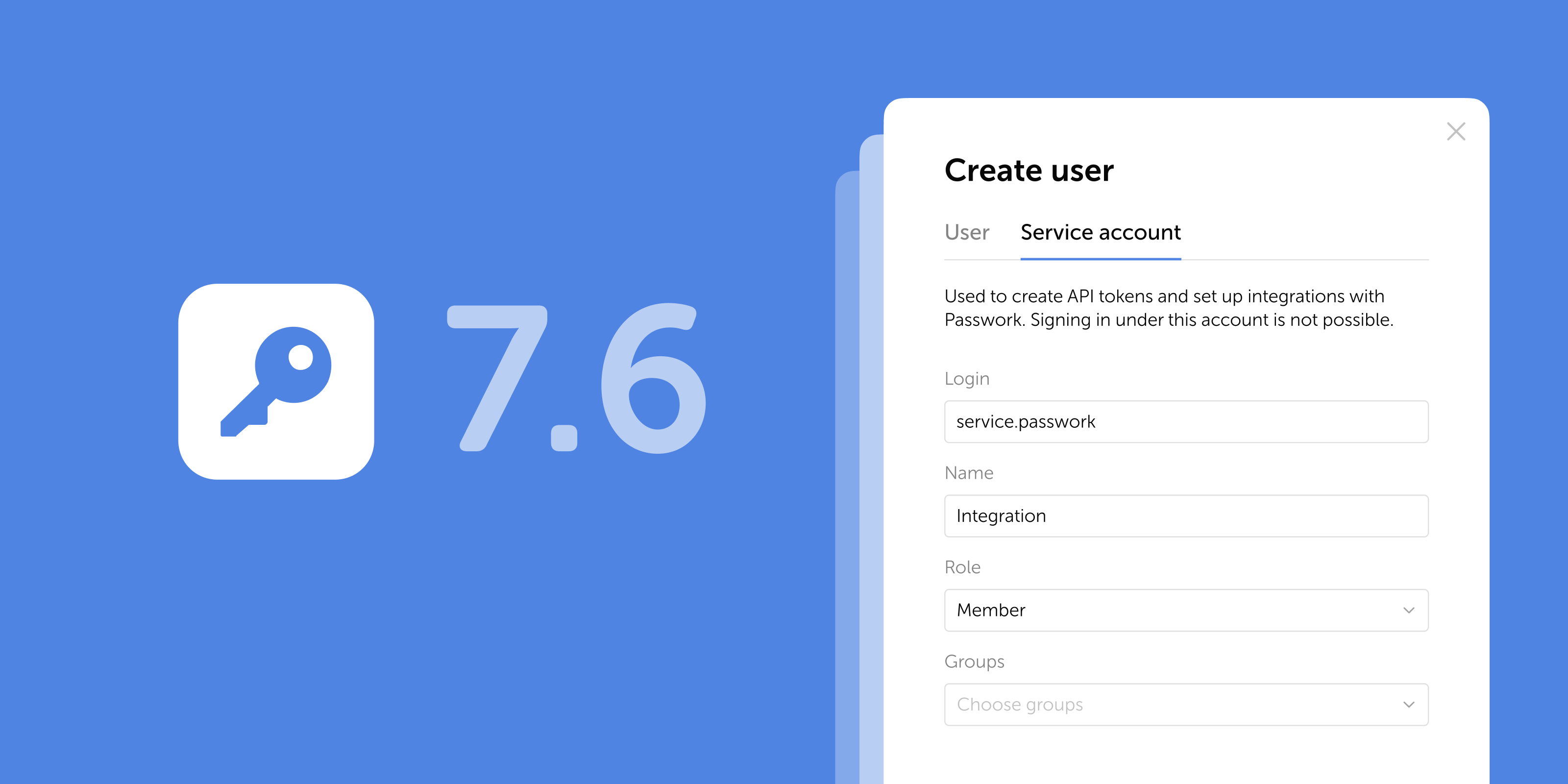
Passwork 7.6: Service accounts
The latest Passwork release adds service accounts with multi-token API support, saved filters, mobile web UI, and automatic Bin cleanup. See what changed.
The latest release introduces additional access controls for the desktop app and adds several UI improvements and...
Passwork 7.5.2 release
The latest release introduces additional access controls for the desktop app and adds several UI improvements and fixes.
In the new version, we’ve improved TOTP autofill and added error logging to the browser extension. You can now export...
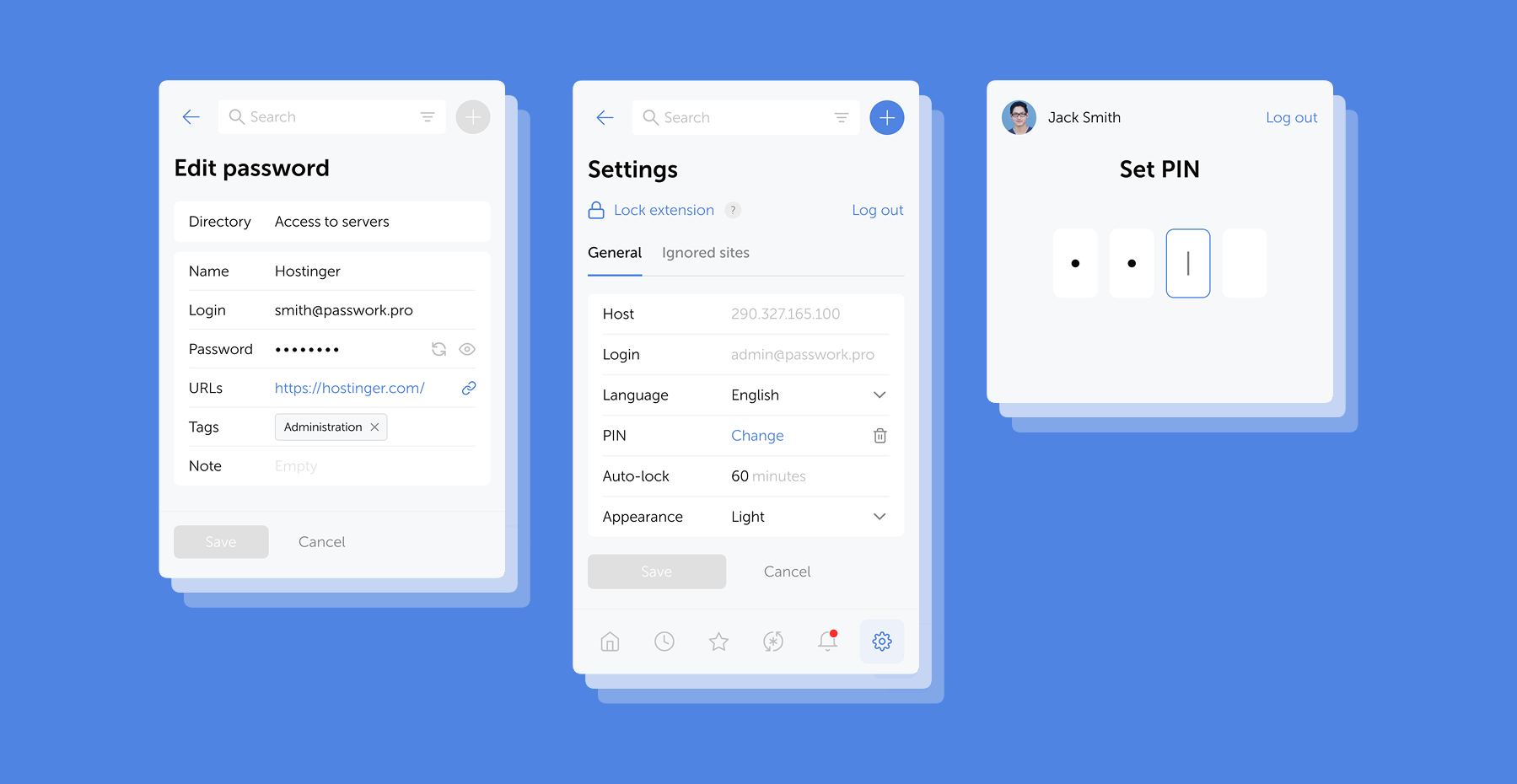
Browser extension 2.0.34 release
In the new version, we’ve improved TOTP autofill and added error logging to the browser extension. You can now export logs directly from the service worker console and share them with our team — significantly speeding up troubleshooting.
Bring Your Own Device (BYOD) has transformed from a workplace trend into a business necessity. By 2026, over 82% of...
BYOD security: Practical steps to keep corporate data secure
Bring Your Own Device (BYOD) has transformed from a workplace trend into a business necessity. By 2026, over 82% of companies will have adopted formal BYOD policies, with more than 80% actively promoting this approach. This reflects a fundamental change in how organizations approach workplace...
A password manager replaces guesswork with structure, a direct upgrade to your organization's digital protection.
How to use a password manager: A guide to reliable security
A password manager replaces guesswork with structure, a direct upgrade to your organization's digital protection.
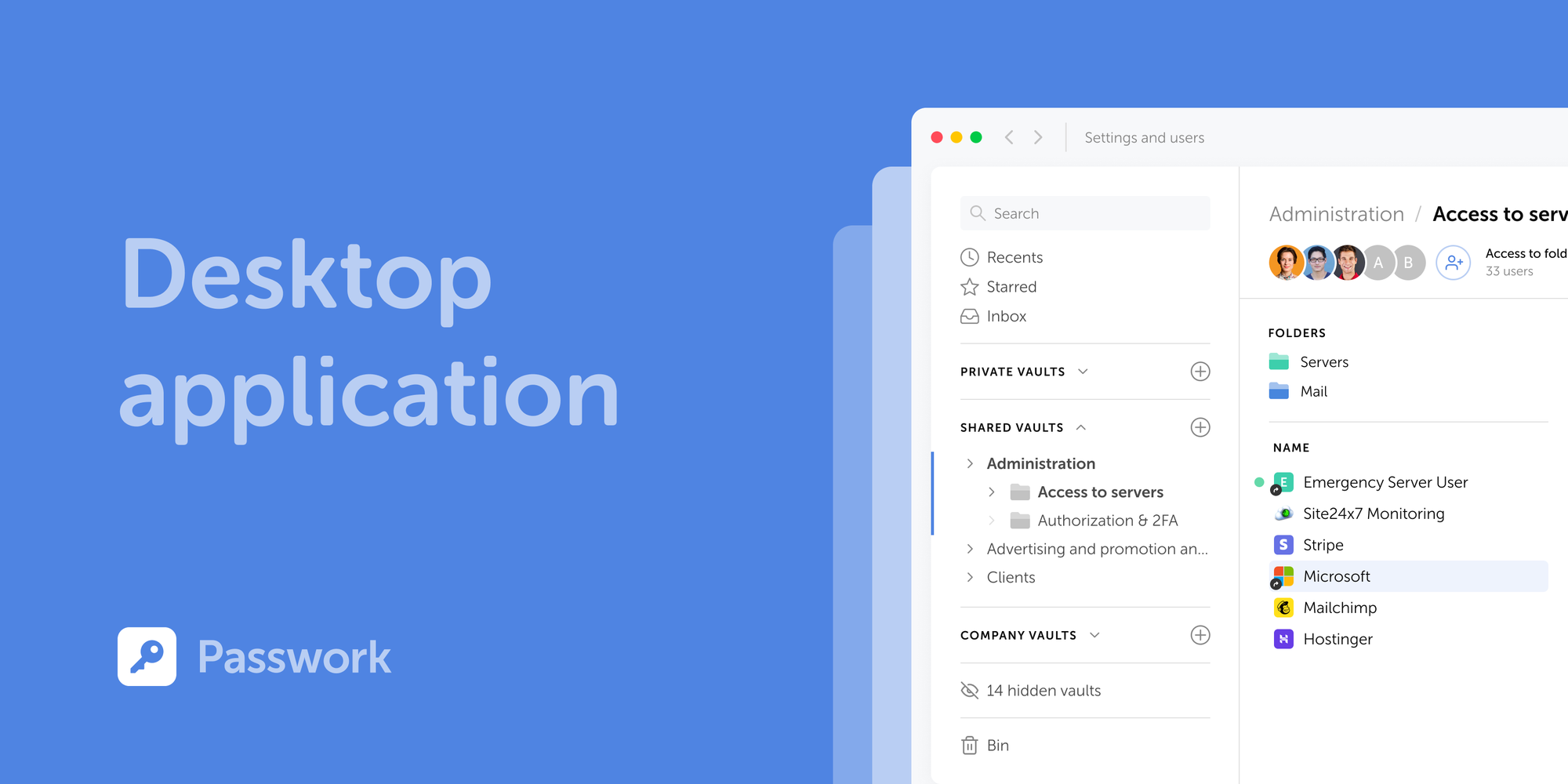
Passwork is now available as a full-featured desktop app for Windows, macOS, and Linux. The desktop app delivers...
Introducing Passwork Desktop app
Passwork is now available as a full-featured desktop app for Windows, macOS, and Linux. The desktop app delivers complete password management functionality: manage credentials, access vaults, collaborate with your team, all with the native performance and convenience of a desktop environment.