



Move folder
Moving a folder transfers it to another vault or folder with all its contents.
1
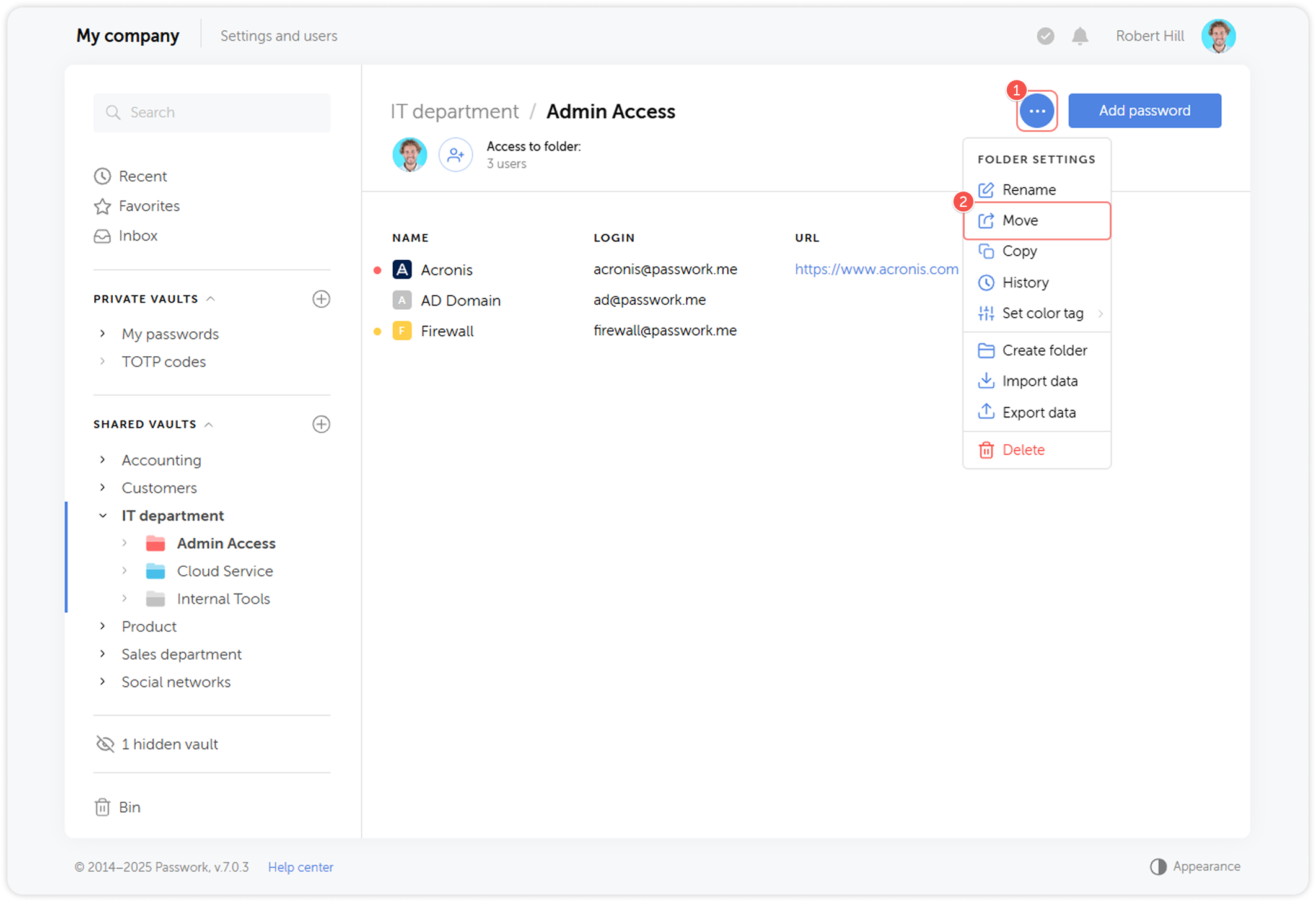
Open the Folder settings menu and click Move:
2
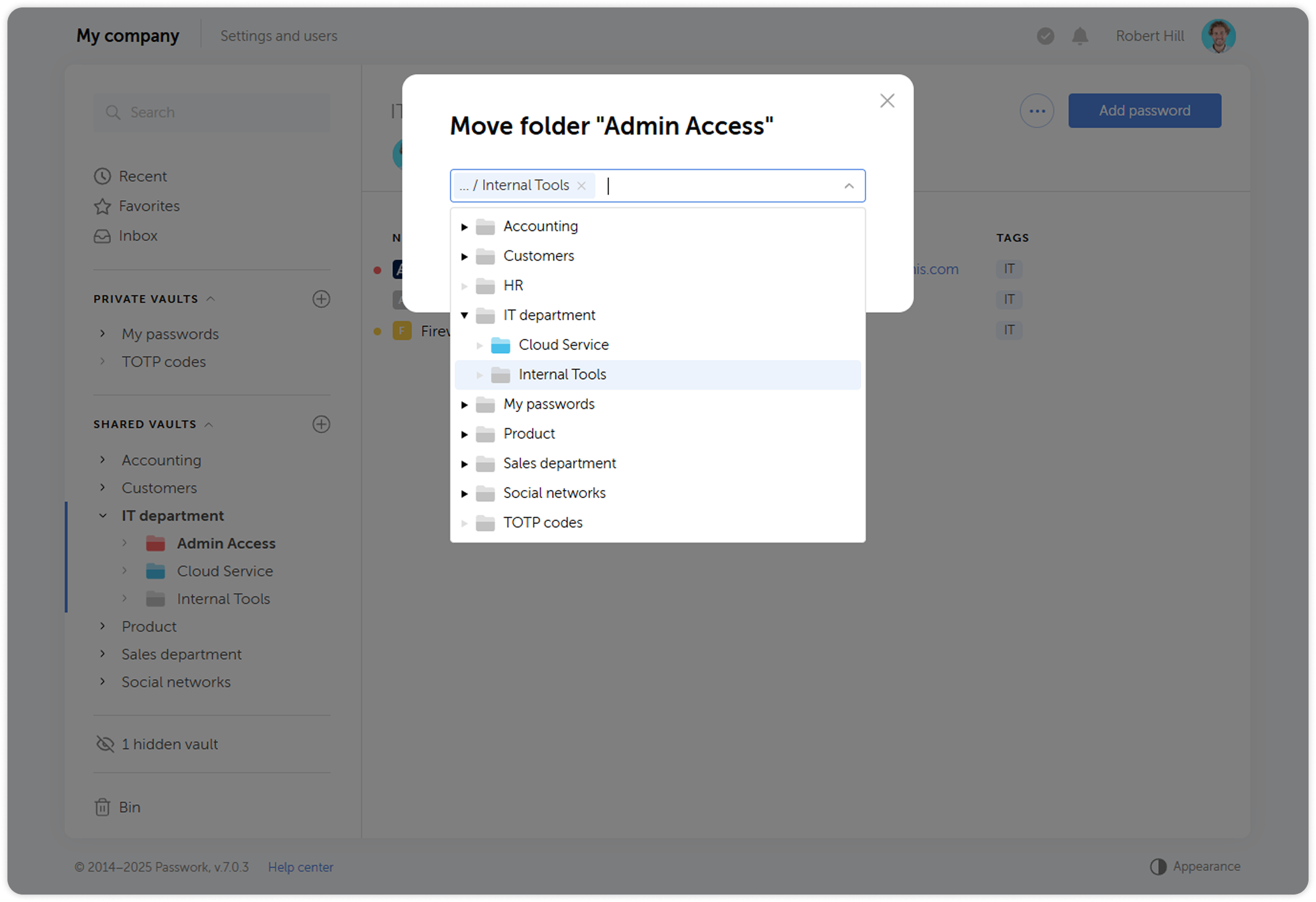
info
You can also move a folder by hovering over the folder icon on the Content pane and dragging it to another location