



Users
The Users tab allows you to view the list of users from LDAP registered in Passwork.
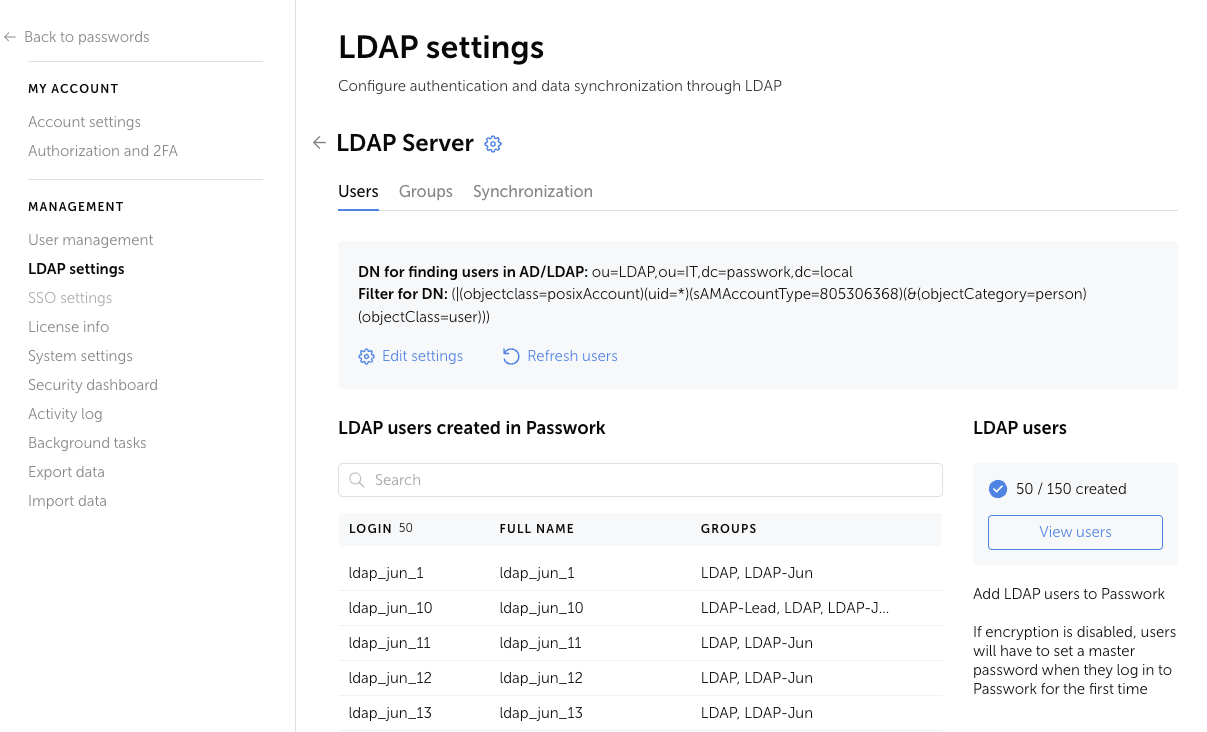
The administrator can view the list, perform a search, and register users in Passwork:
Depending on Passwork settings, the user will be added to the system immediately, or registration confirmation will be required
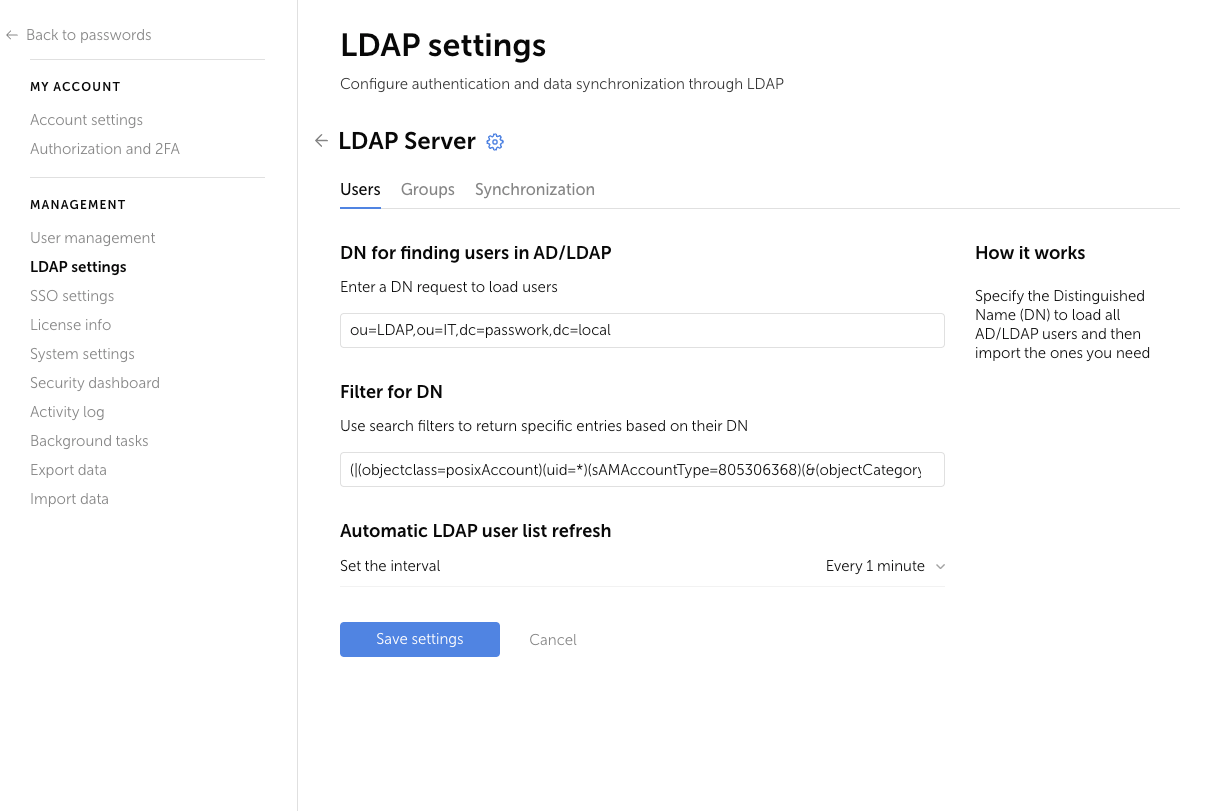
DN for searching users in AD/LDAP
Specify the Distinguished Name (DN) to set the LDAP area where the user search should be performed.
Example:
ou=LDAP,ou=IT,dc=passwork,dc=local
Filter for DN
The filter is used to determine which data branch should be found in LDAP. The filter can be set by the administrator to perform a more precise user search.
Example:
(|(objectclass=posixAccount)(uid=*)(sAMAccountType=805306368)(&(objectCategory=person)(objectClass=user)))
You can learn about filter features and syntax examples in the section Filters for DN. Features and examples
Automatic updating of the LDAP user list
Select the interval for updating the LDAP user list from the dropdown or disable automatic updating. For automatic updating of the user list to work, background tasks must be configured in Passwork.